Back to work Side Project
Glean
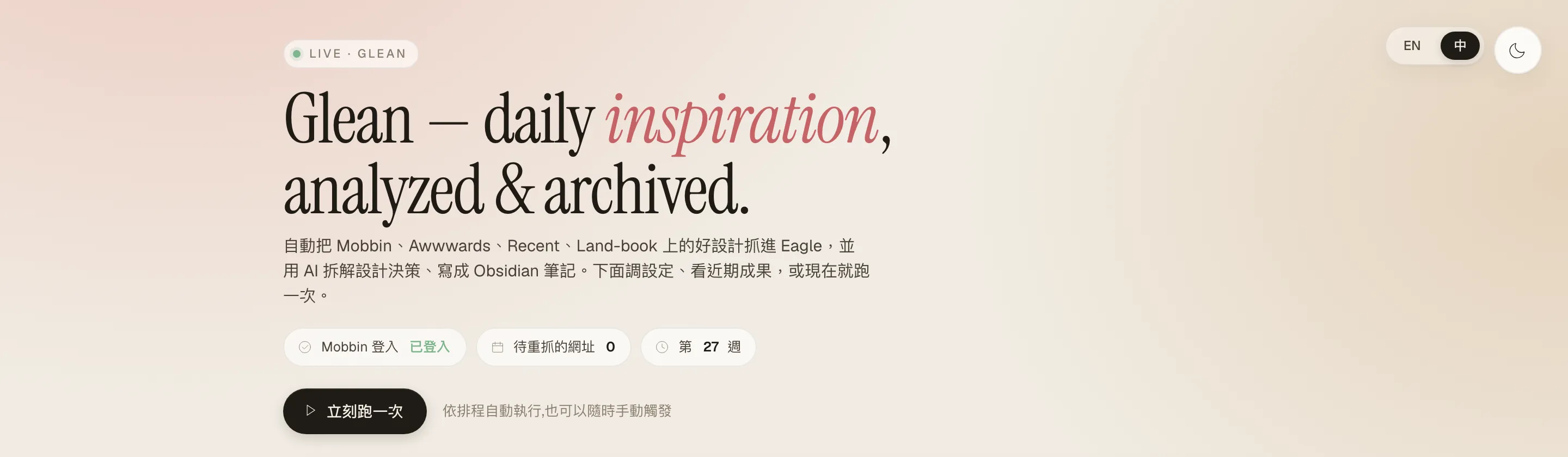
A personal design-knowledge tool that auto-collects inspiration weekly and uses AI to break it into readable Obsidian notes
- 4
- Sources auto-collected (Mobbin as primary)
- 10
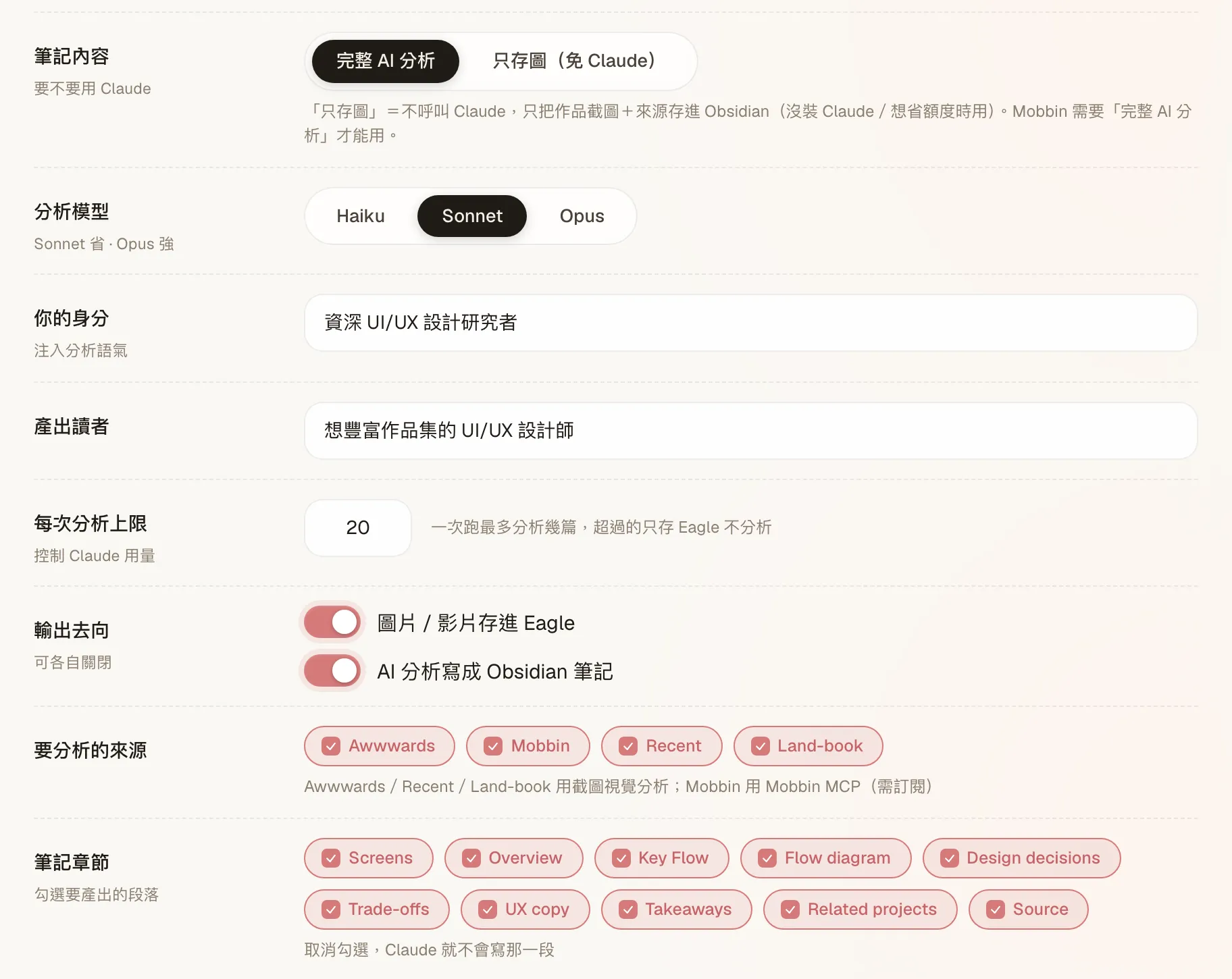
- Toggleable AI breakdown sections
- Two-way
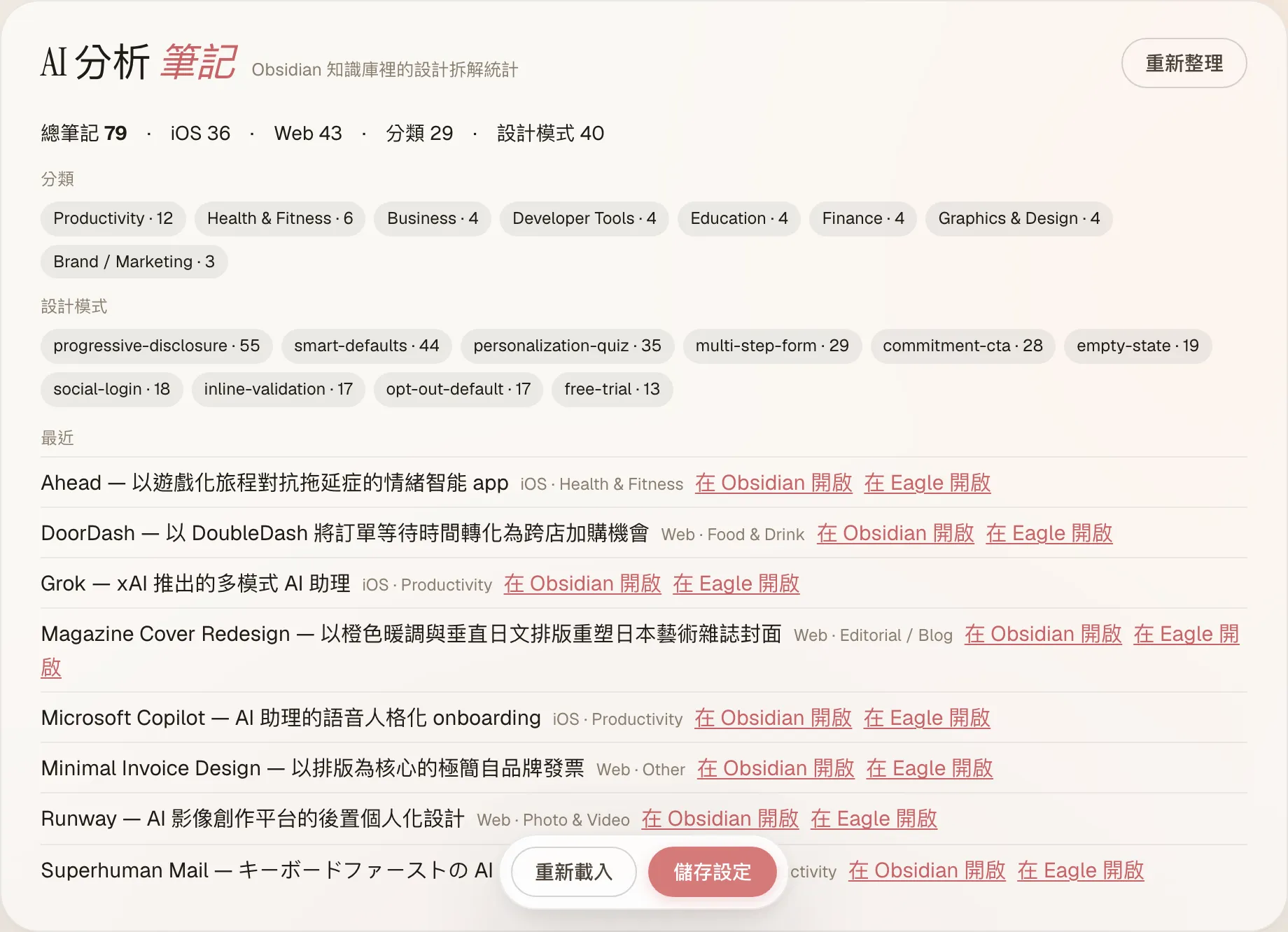
- Eagle ↔ Obsidian links
- Weekly
- Auto-scheduled + desktop notifications
Background & Challenge
As a designer, collecting inspiration is a fixed cost I pay every day: scroll Awwwards, browse new app flows on Mobbin, swing by a few sites, save things one by one. But the real problem sits further downstream — screenshots accumulate; understanding doesn’t. A folder full of great work that I never reopen three months later. What I wanted wasn’t a bigger library, but a way to read, search, and borrow the “why was it designed this way”.
So I merged two earlier side projects into one complete product: eagle-inspiration-bot (auto-collect, file into Eagle) as the Hand, and mobbin-design-digest (break down design with AI) as the Brain. Together, Glean automates the whole loop: every week it auto-collects new work from four sources → Claude breaks each down into structured notes → they’re filed into an Eagle library and an Obsidian knowledge base, linked both ways.
Design Decisions
Outcome & Reflections
Glean is a small tool that runs locally: every week it pulls new inspiration in and breaks it into notes you can actually read, letting a library you curate yourself grow into searchable knowledge. Along the way I refactored the original 3,141-line single-file orchestrator into clean lib/ modules (bot.js slimmed to ~300 lines) and abstracted the analysis engine into a pluggable adapter layer — applying a designer’s instinct for “folding complexity into clear structure” to my own code.
But what this project really taught me is “what not to build”. Once the full version worked, I actually read each source’s terms — Mobbin (confirmed by their reply), Land-book, Awwwards, and Recent all prohibit automated scraping, and prohibit using their content for AI-derivative or commercial reuse. The problem wasn’t “which source” — it was the model itself: automated scraping + AI-derivative + outward distribution. So I made a call: this full version stays for personal use only — not open-sourced, not distributed, not turned into a product for others. A designer’s job isn’t only to ship features — it’s to see the cost clearly and know which line not to cross.